Teachers have access to the lesson view (as a student would see it) with the answers turned on. You can view this by navigating to the class and clicking the topic to see the full lesson list.
Answer view is disabled by default for students.
Click the View Lesson button

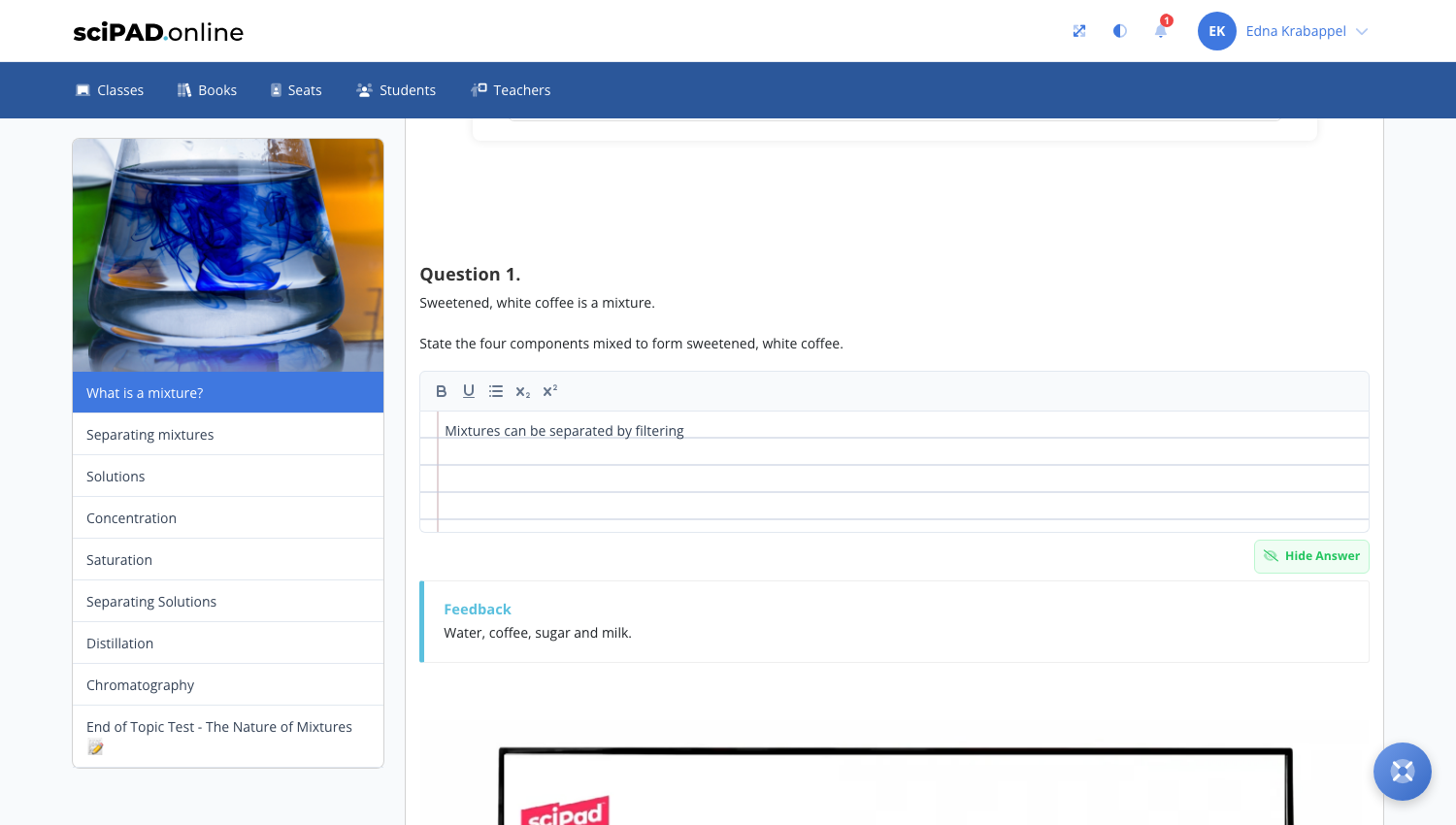
Long answers
The Show model answer button is only visible with text being entered. Type a word or letters until this button appears, then click it. By clicking the green button you will see the answer below.
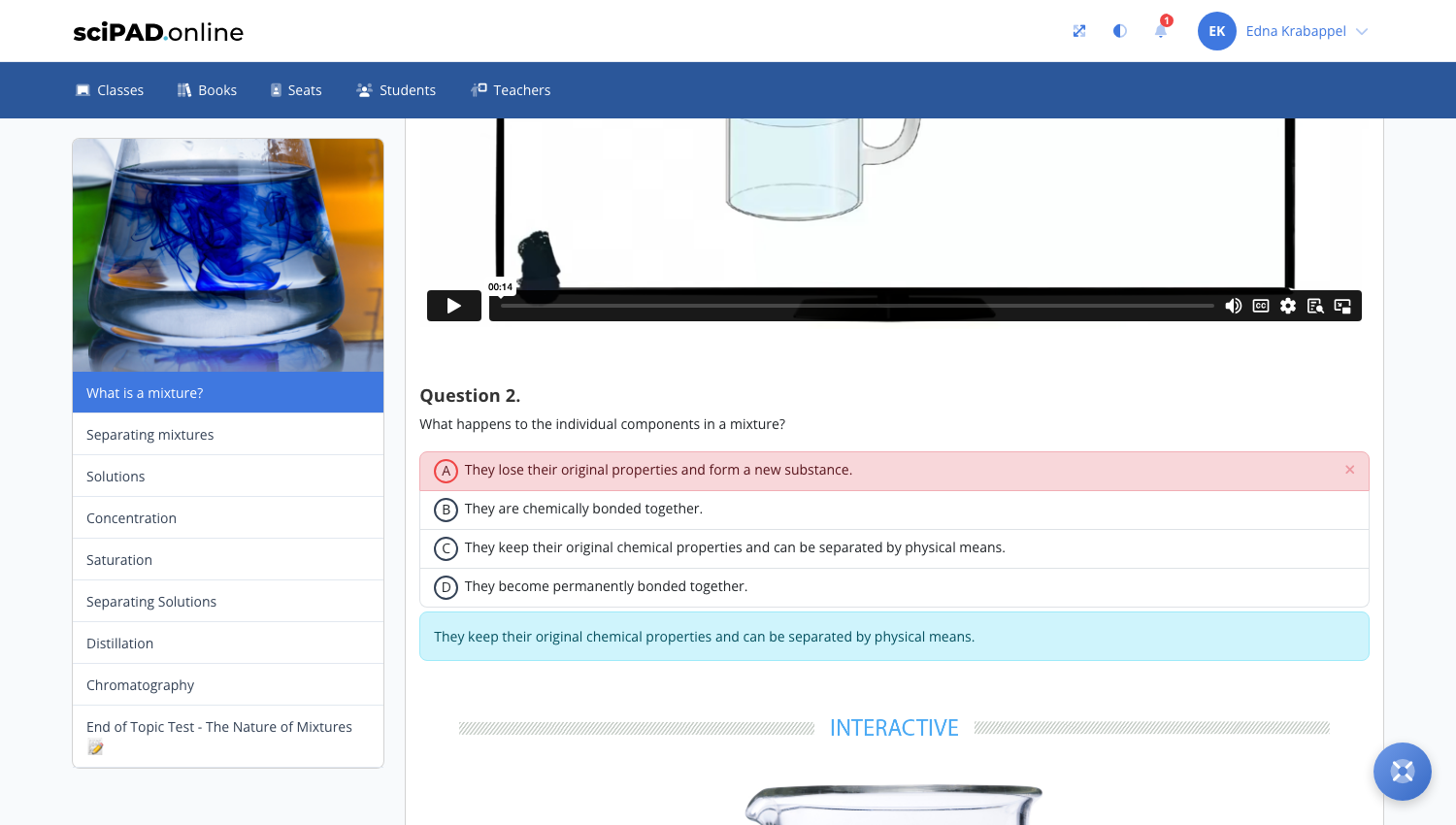
Multichoice
Click on an answer and it will provide feedback or tick if correct.
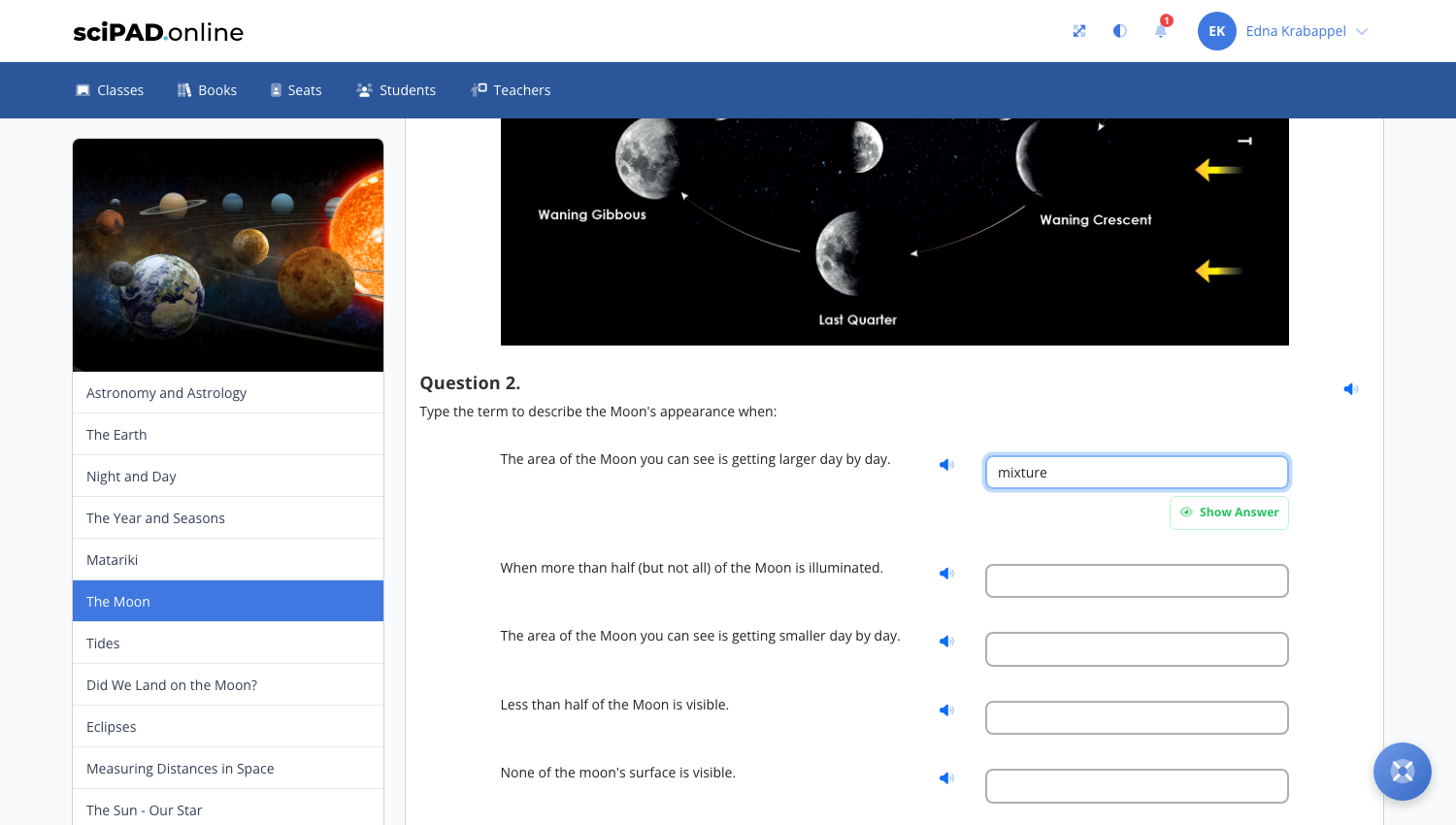
Short answer
Start typing and an answer button will show. For fill-in-the-gaps questions you will need to type and have the questions marked for confirmation.
Cloze activity
Type the answer and you will get feedback if correct or wrong.
In development
Based on teacher feedback in 2024, we are currently working on a better solution for teacher answer view — this will include answer view for cloze activities.