Forgot your password? No problem — you can reset it yourself in a few quick steps.
How do I reset my password?
Please visit scipadonline.co.nz and click Forgot Password? under the sign-in form.
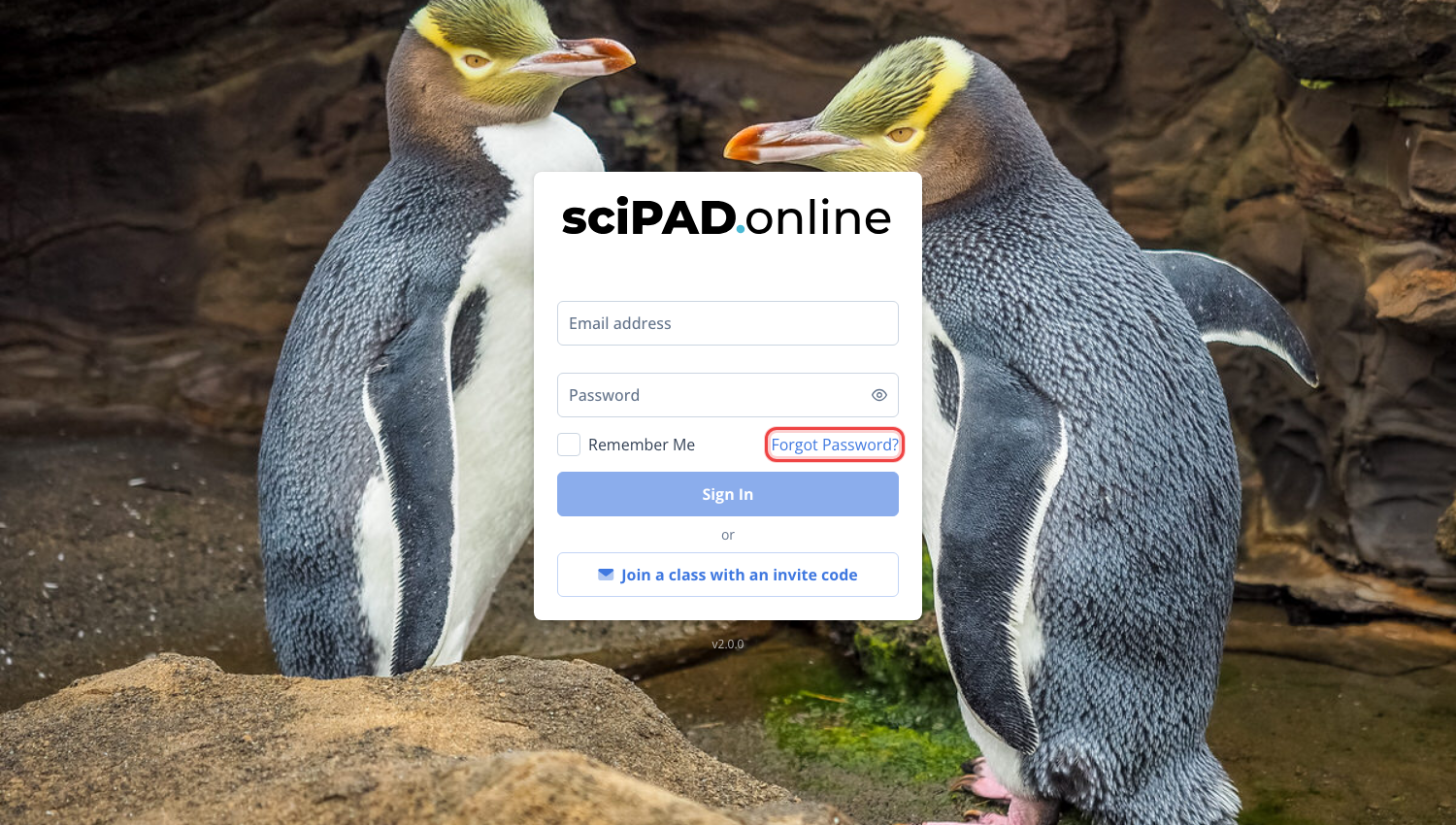
Enter the email address you used to create your account, and we will send you an email containing a reset link.

I didn't get an email
If you haven't received a password reset email within 5 minutes, please follow these steps:
- Check your spam/junk mail folder to ensure the email hasn't been filtered there.
- Double-check the spelling of your email address to make sure it's correct. We can only send you an email if the address is accurate.
- If the issue persists, please contact us at [email protected]. We will verify your information and assist you in resetting your password.