If a teacher has left your school, a school admin can remove them directly from the Teachers tab - and hand any classes they still run to another teacher in the same step.
Only a school admin has the ability to remove teachers.
How to remove a teacher
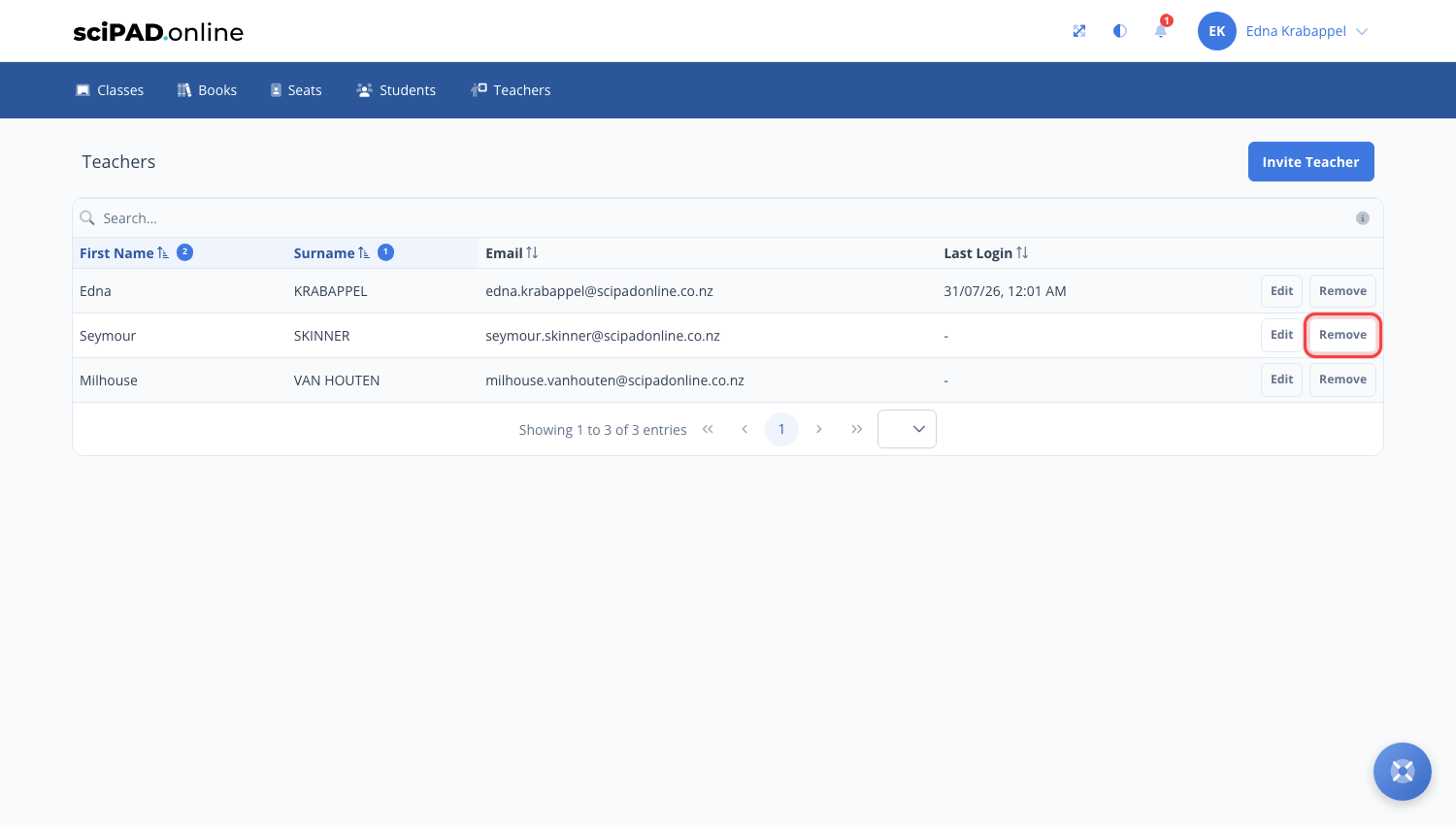
- Navigate to the Teachers tab in the top menu.
- Click the Remove button beside the teacher who has left.
- If they still have classes, you will be asked to choose another teacher at your school to take those classes over. Nothing is lost - the classes and their students simply move to the new teacher.
If a teacher has left mid-year and you are unsure who should take over their classes, you can also email us with the details and we will sort the transfer for you.