If a student has left your school - or created a duplicate account - a school admin can remove them from the Students tab.
Only a school admin has the ability to remove students.
How to remove a student
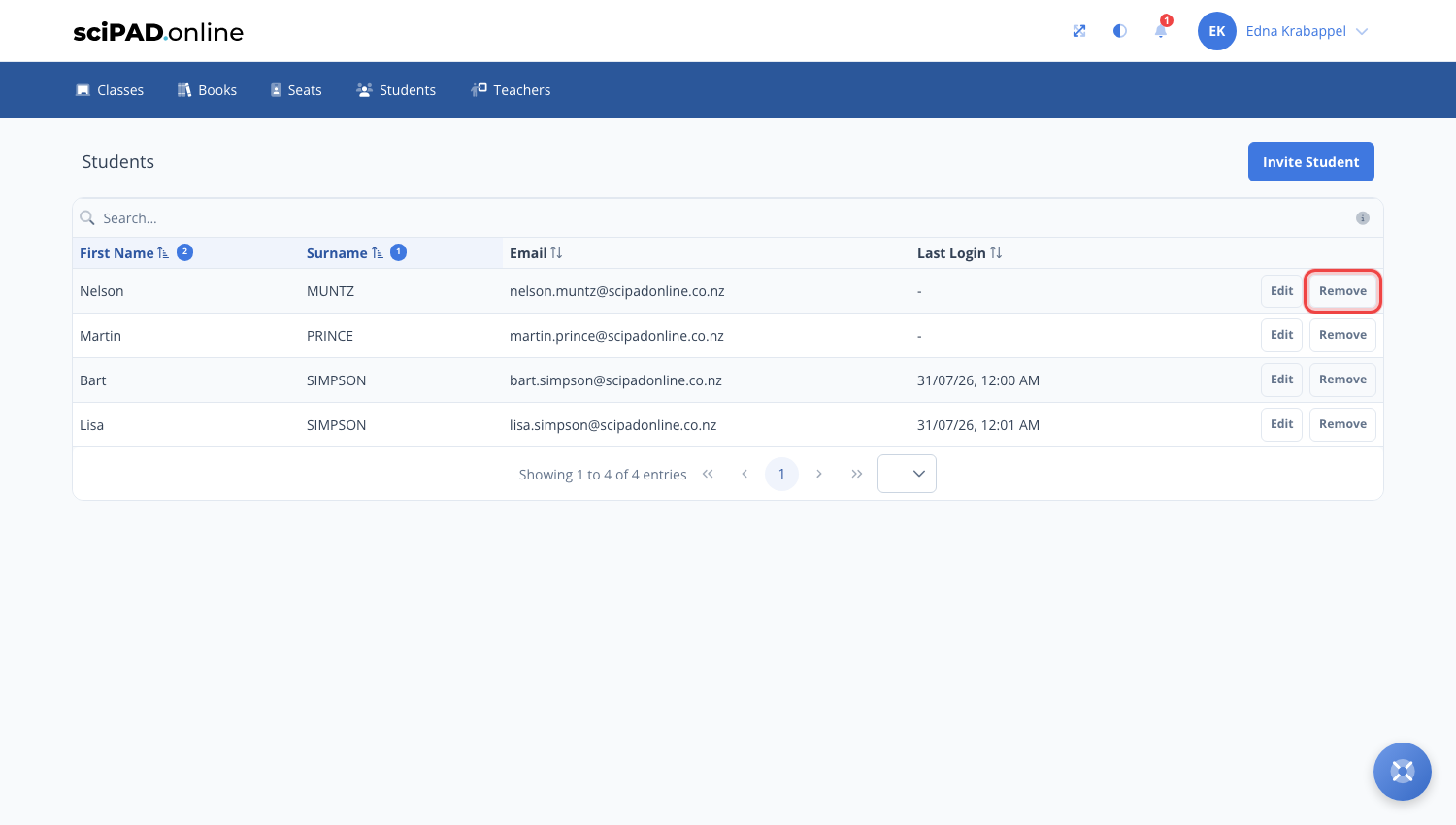
- Navigate to the Students tab in the top menu.
- Search for the student and click the Remove button beside their name.
- Confirm the removal.
What happens when you remove a student
- The student is removed from your school and from any classes they were assigned to.
- Their work is kept. If they return and rejoin with a class code (or you invite them again), their completion status and all answer data is restored.
If a student has simply changed classes within your school, there is no need to remove them - see moving students between classes instead.