Both teachers and students can download lesson work as a PDF - a cover page with the topic and student details, the answers exactly as they appear on screen, and any feedback comments. Useful for records, moderation, or handing in a printed copy.
Teacher view
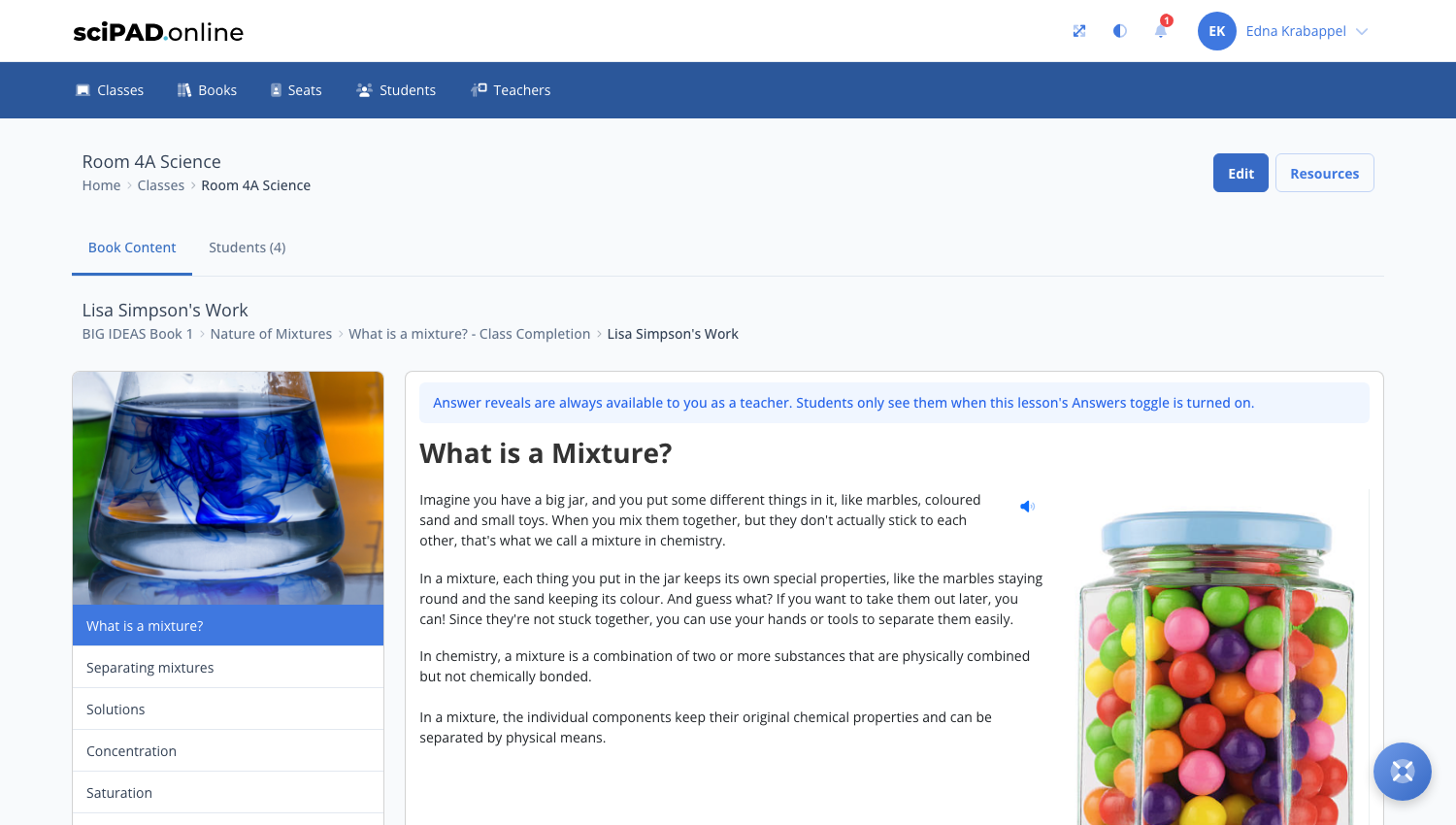
To download a student's work:
- Navigate to the student's lesson - click your class, then the topic's Topic Completion button, and open the student's work.
- Click the Download PDF button at the top of the lesson.
- Your browser's print window opens with the formatted document - choose Save as PDF (or print it directly). Page numbers can be turned on under your browser's print options.
Student view
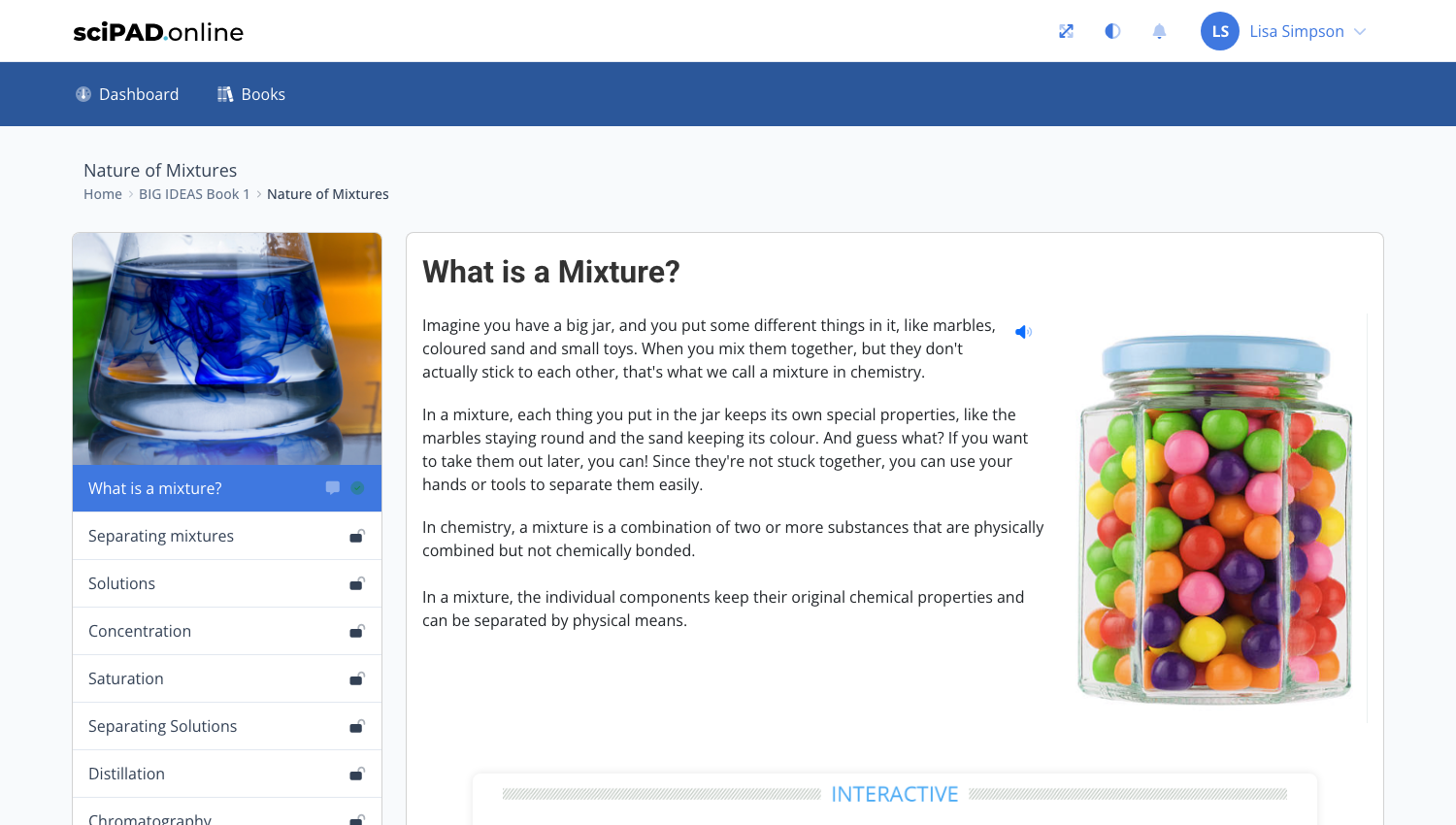
Students can download their own work the same way - the Download PDF button sits at the top of every lesson.
The PDF includes a printed date, so it is clear when the snapshot was taken.