You can change the email address you sign in with from your profile - useful if you signed up with a typo or your school email has changed.
How to change your email
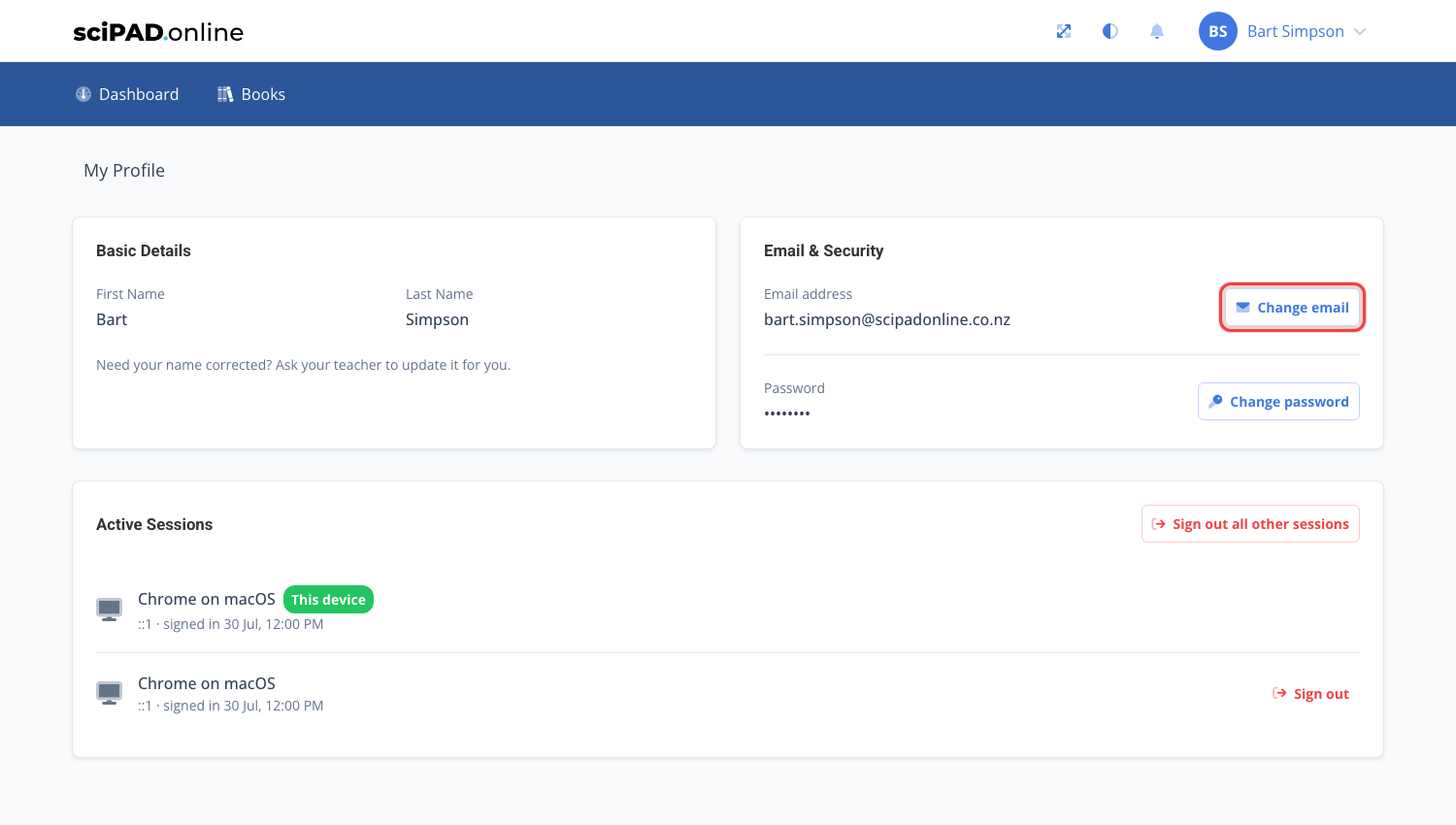
- Click your name in the top right corner and choose My Profile.
- Under Email & Security, click the Change email button.
- Enter your new email address. We will send a confirmation link to the new address - the change only takes effect once you click it, so you can keep signing in with your old email until then.
This works the same way for teachers in the teacher portal.
Names cannot be changed from your profile. If your name is wrong, ask your teacher or school admin - they can correct it from their class list.
If you cannot access your account at all (for example the original email had a typo), your teacher or school admin can correct your email from their class list - see modifying student details.