Enable shared teaching by adding multiple teachers to a single class – both teachers will have full control of that class.
Enabling multiple teachers for a shared teaching scenario
To add a second teacher to a class:
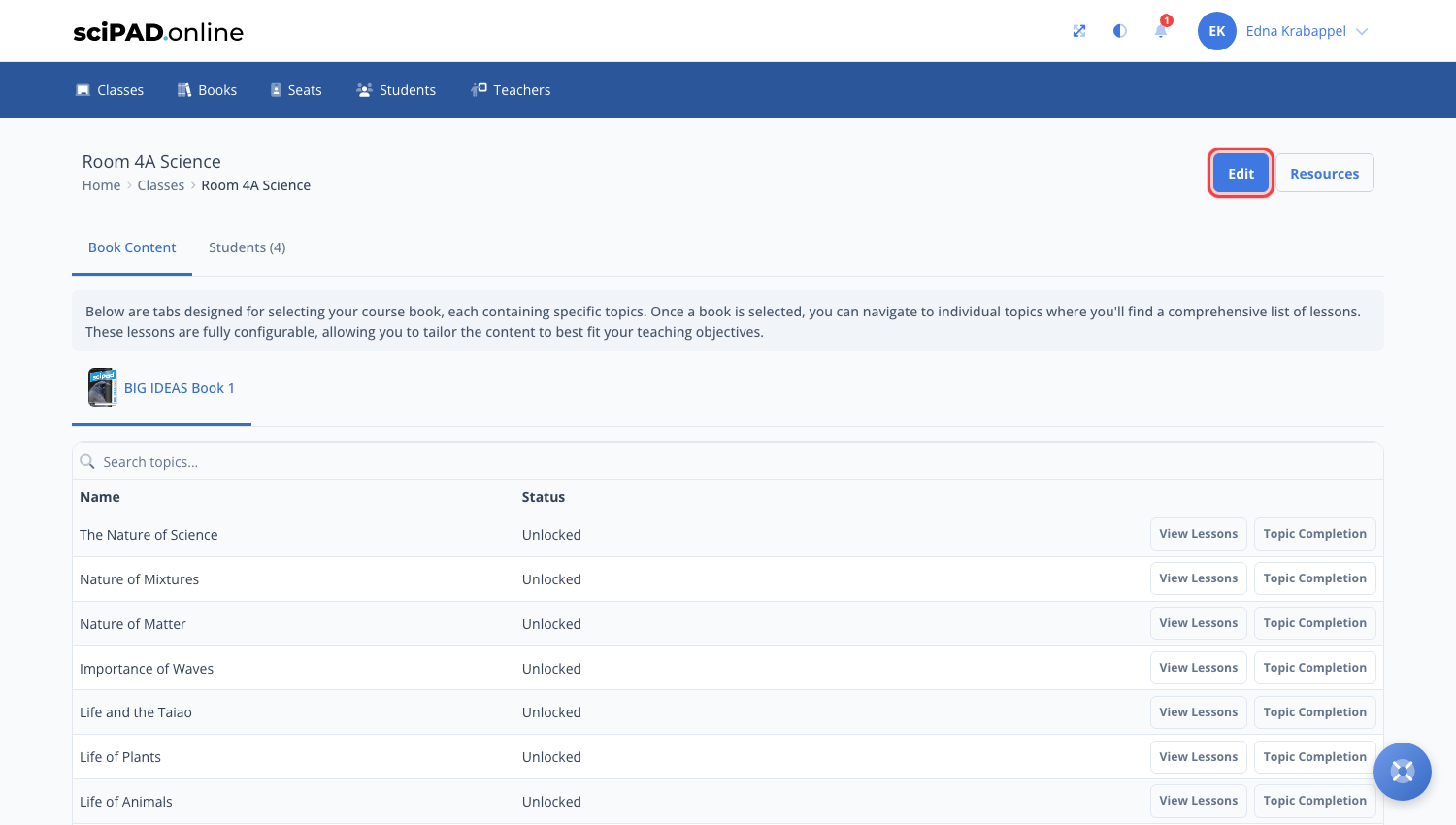
- Navigate to the Classes tab and open the class you want to add the teacher to.
- Click the Edit button top right.
Then click into the Teachers line and tick the teachers to add. Both teachers will have full control of that class.
