Alongside the online lessons, each book can come with extra teacher resources - digital flipbooks, answer files and more. You will find them on the Books page.
Where to find them
- Navigate to the Books tab in the top menu.
- Click the Resources button on the book. If the button is greyed out, no resources have been linked to that title yet.

Click a resource in the menu and it opens in a new tab, ready to use or download.
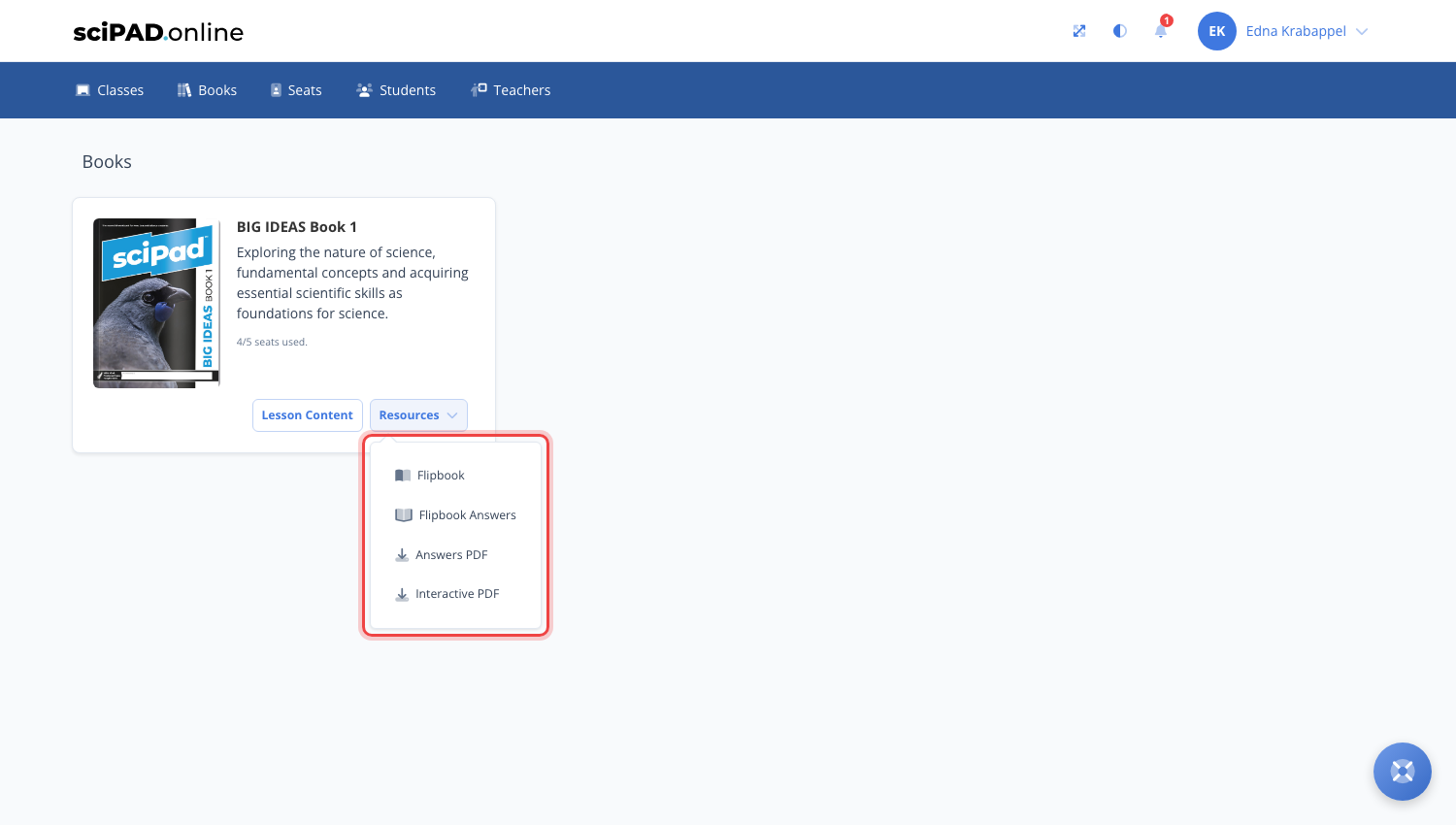
What could be available
The mix of resources varies from title to title - the menu only shows what exists for that book:
- Flipbook - a digital page-by-page version of the printed workbook, great for projecting to the class.
- Flipbook Answers - the answered version of the workbook, for marking and modelling.
- Answers PDF - the workbook answers as a downloadable file.
- Interactive PDF - a fillable version of the workbook students can type into.
Resources are tied to your school's books - your school needs seats for a title to open its resources.
For the answer files themselves - the three types and how to share embedded answers with your students - see workbook answer file access.
Need more resources?
If there are resources you are missing for books your school has purchased, reach out and we will get them linked to your account.